Capture
Learning Environments
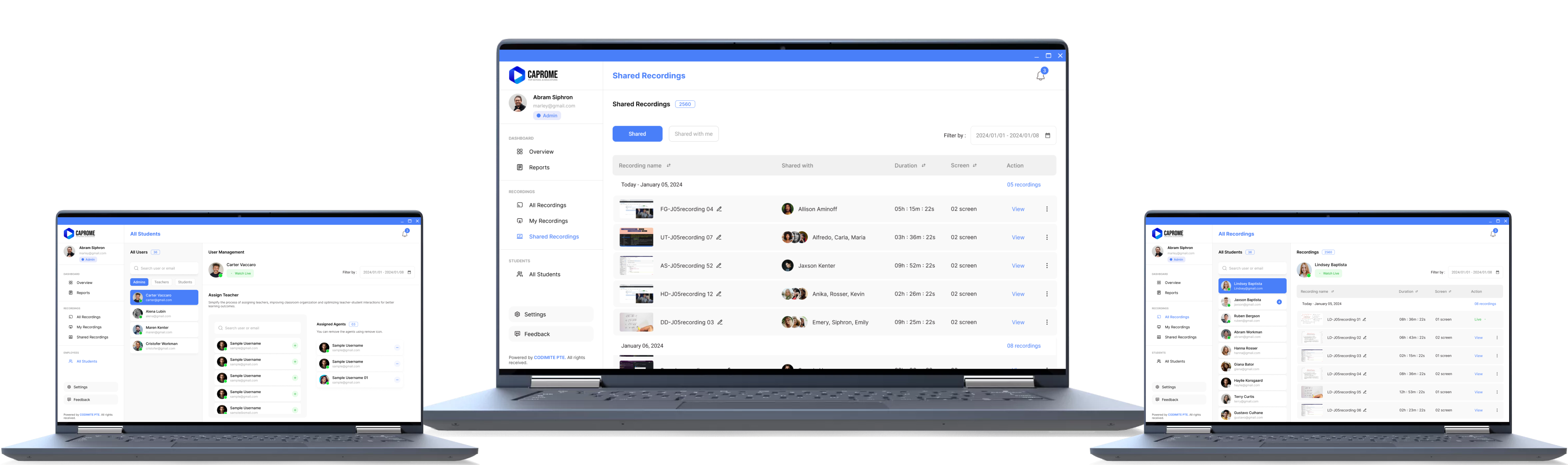
Caprome enables you to create a focused and distraction-free digital learning environment. Monitor, record, and analyze student activity to support effective learning, whether in the classroom or at home.
Why Choose CAPROME?

Effortless Installation
Caprome installs quickly via Google Admin Console with no complex setup.

Flexible Storage
Choose secure cloud storage with options like Google Drive, Azure, and AWS.

Chrome OS Ready
Optimized for Chrome OS, Caprome works seamlessly on Chromebooks.

Secure by Design
Advanced encryption and strict controls keep your data safe.
Role-Based Privileges
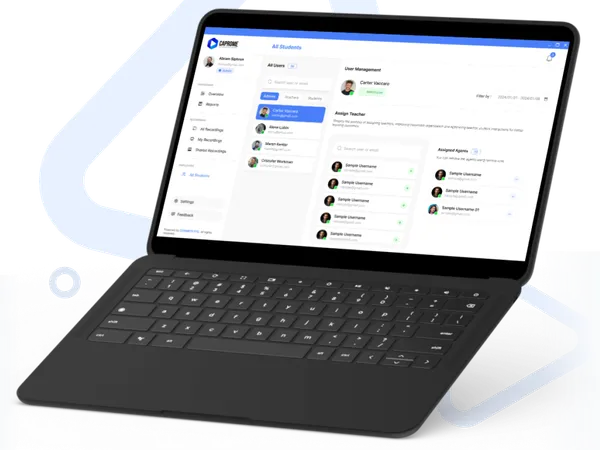
Caprome recognizes the importance of role-based access, offering customized privileges based on user roles:

Teacher
Full access to monitor, manage, and review student activity across the platform.

Student
Provides a distraction-free environment, focusing on safe and effective learning.

Student with Comments
Allows students to comment on their activities, promoting self-reflection and active learning.

Parent
Access to view student reports and monitor activities, fostering collaboration between school and home.


Seamless with
Chromebook!
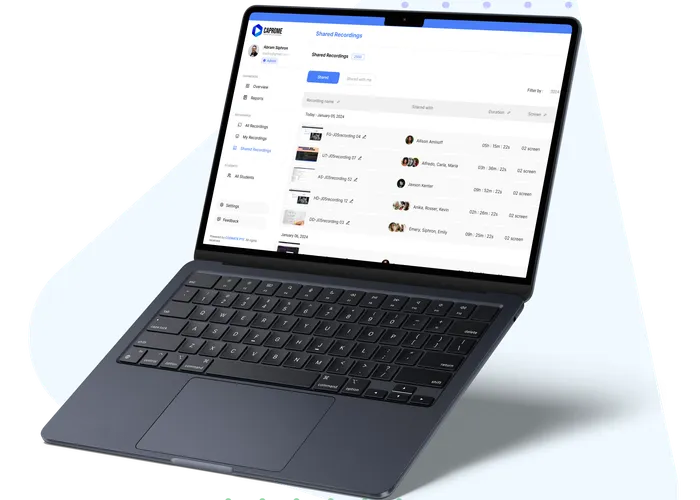
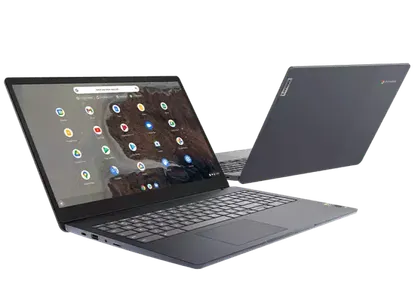
Caprome is optimized for Chromebooks, ensuring a smooth experience for educational environments. Set up Caprome effortlessly on Chromebooks and enjoy full functionality without additional software or hardware requirements.
Seamless with
Chromebook!
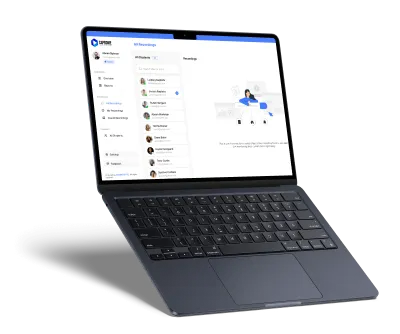
Caprome is optimized for Chromebooks, ensuring a smooth experience for educational environments. Set up Caprome effortlessly on Chromebooks and enjoy full functionality without additional software or hardware requirements.
The Value of Caprome in Education
Teacher
As a Teacher using Caprome, you have the ultimate control to monitor and support all students in real-time, whether they're in the classroom or remote. Teachers can:
Ensure Focused Learning
Monitor screens to keep students on task and intervene as needed.
Track Progress Over Time
Access and download reports to view individual and class engagement trends.
Customize Monitoring
Adjust settings to focus on specific groups or students.
Review and Guide Student Behavior
Identify areas needing support for proactive learning and discipline.


Reasons to use Caprome.
Caprome provides teachers with invaluable tools to maintain focus, engagement, and accountability in digital learning environments. Teachers benefit from:


Real-Time Oversight
Monitor students' screens in real-time to ensure everyone stays on task, whether in a physical or virtual classroom.
Detailed Engagement Insights
Analyze activity trends with in-depth reports, helping to identify areas where students excel or may need additional support.
Focused Interventions
Receive alerts when off-task behaviors occur, allowing quick interventions to refocus students.
Enhanced Collaboration with Parents
Share insights and activity reports with parents, fostering a supportive network for each student's success.

Security
Don't be afraid. We keep your trust.
Data Protection
Caprome uses state-of-the-art encryption to protect all recorded data.
User Privacy
Caprome prioritizes privacy and responsibly ensures strict access control.
Compliance Standards
Our platform meets educational compliance standards to keep data safe.
Answers to all your queries
Caprome is designed with education in mind. It allows teachers to monitor student screens in real-time, track engagement, and provide feedback, all within a safe and secure platform. Caprome also enables parents to stay informed and promotes responsible screen usage among students, making it an invaluable tool for digital classrooms.
Yes! Caprome offers real-time screen monitoring, allowing teachers and administrators to observe student activities instantly. This feature helps ensure that students stay focused during lessons and can quickly intervene if a student becomes distracted.
Absolutely. Caprome is optimized for use on Chromebooks and is also compatible with other devices through our web-based application. This flexibility makes it easy to implement Caprome in both traditional classrooms and remote learning environments.
Security is our top priority. Caprome uses advanced encryption to protect your data, and we follow strict access control measures to ensure that only authorized users can access sensitive information. Our platform is also compliant with educational data protection regulations, giving you peace of mind.
Getting started is easy! Simply click the "Request Demo" button on our website, and our team will reach out to schedule a personalized demo. We'll guide you through Caprome's features and answer any questions you have about implementing it in your educational environment.

Ready to Learn More?
Reach out to us for a personalized consultation, pricing details, and more. Our team is here to help you understand how Caprome can meet your unique needs.
Contact Us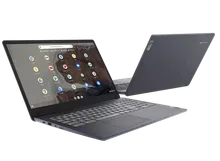
Ready to Learn More?
Reach out to us for a personalized consultation, pricing details, and more. Our team is here to help you understand how Caprome can meet your unique needs.
Contact UsDemo
Are you ready for a Demo?
Experience Caprome in action. Schedule a demo to see how our platform can transform your organization's monitoring and reporting capabilities. Our team is ready to guide you through the features and answer any questions you might have.